On-screen translation for games, manga, and chat with OCR overlays
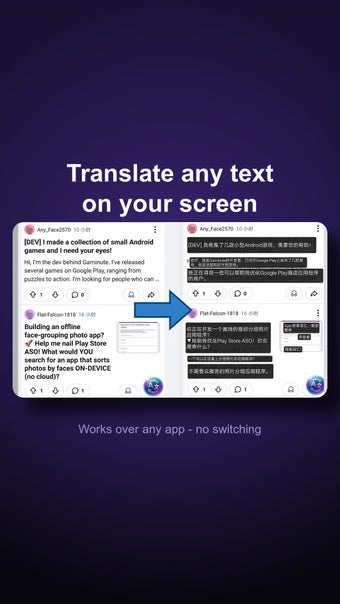
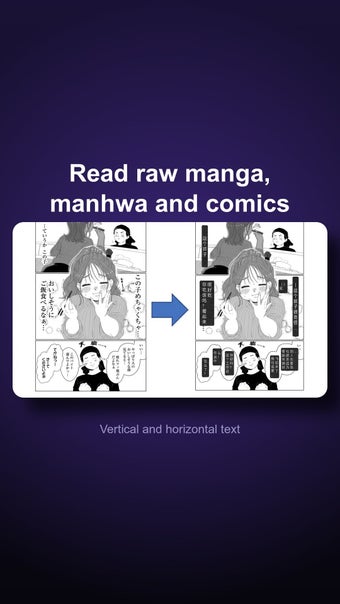
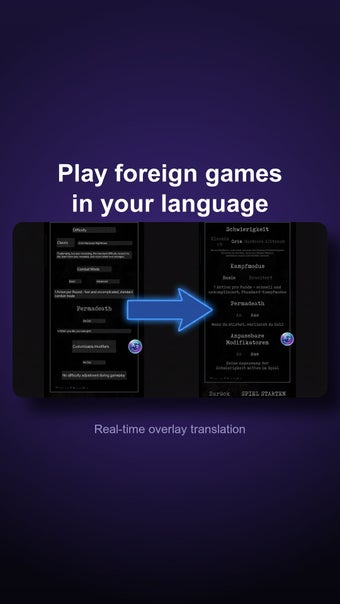
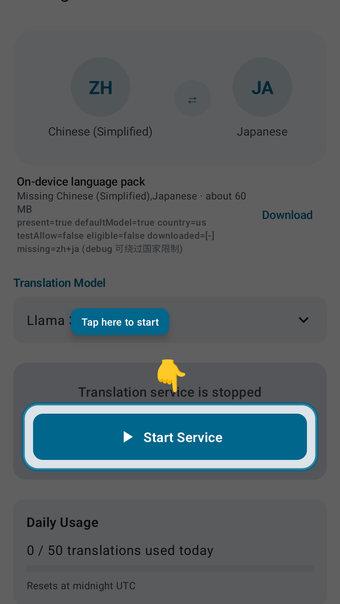
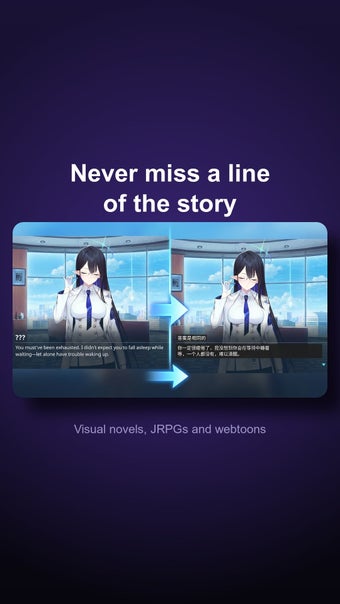
Translates any on-screen text using a floating bubble overlay, capturing games, comics, and chat without copy-paste. Screen Translate: Game & Manga, from Kunxin Store, runs on Android and uses OCR plus an AI engine to detect speech bubbles and stylized fonts. It offers Game Translator, Manga & Comic mode, Chat Translator, and regional or full-screen capture options. The app suits mobile gamers, manga readers, and bilingual messengers who need instant in-place translation while using other apps.
What does it do in practice for someone reading or playing?
It performs live capture and translation of on-screen text by placing a floating bubble overlay that you tap or drag to translate a full screen or a selected region. The app extracts text via OCR and returns translated text in an overlay, which preserves the original layout when possible. The developer describes specialized modes for games and comics aimed at preserving context for dialogue, item descriptions, and vertical text.
How does the app approach learning through exposure and reading?
It supports incidental language learning through immediate translation during use, letting learners read translated dialogue and captions while staying in the app they are using. Support for over 100 languages, plus an OCR Text Scanner to copy extracted text, lets learners collect phrases for later review. The AI engine tuned for gaming slang and comic fonts helps produce translations that match domain-specific wording encountered during play or reading.
Is it appropriate for beginners, hobbyists, or classroom use?
It targets mobile gamers and hobby readers rather than formal classroom deployment. The app works without switching apps, which helps self-directed learners and casual readers; however, its interface depends on overlay permissions and a floating control, which requires basic comfort with Android permissions. The description suggests compatibility with social messaging apps, making it useful for casual bilingual communication among peers.
How does it track progress, customize output, and handle content types?
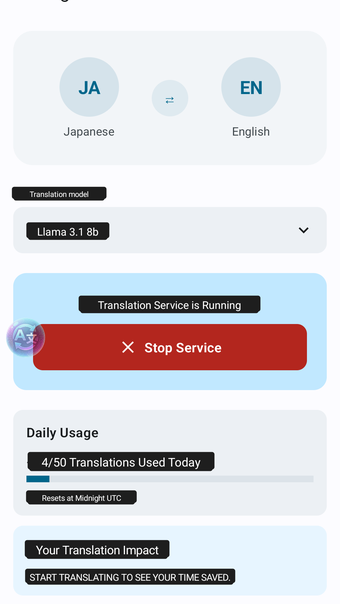
Progress tracking is absent, while content customization focuses on mode selection and capture region. The app provides distinct modes for games, manga, and chat and supports vertical text and speech bubble detection for comics. It offers regional and full-screen capture options and an OCR scanner to extract text for copying, but it does not provide study analytics, spaced repetition, or built-in lesson plans for deliberate learning.
Clear fit for informal, in-app translation during gameplay and reading
Screen Translate suits individuals who need instant, on-screen translations while using Android apps; its domain-tuned AI and bubble overlay address in-situ comprehension needs. Expect functionality that prioritizes live recognition over formal study tools, and plan for occasional interface interference from overlay controls and potential ad interruptions reported by users.